Last updated: November 25, 2026
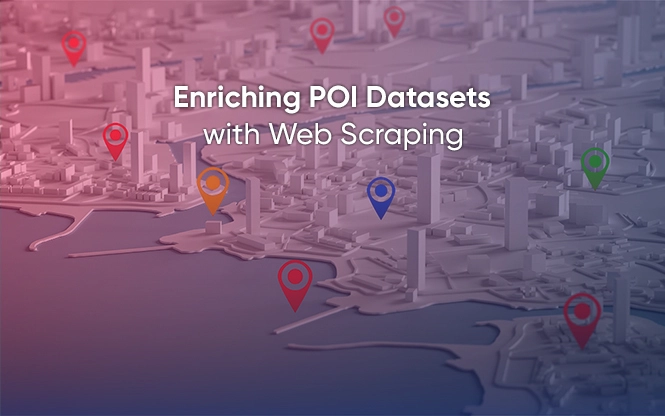
Scraping images for a POI record adds visual context that text fields cannot: photos help users identify a location, enrich its description and make categorization more accurate, for example by showing signage or building style. Each image should be stored with its POI identifier and source so it stays useful. This post covers the applications and the points to handle with care.
Unveiling the power of visual context for immersive location and search experiences
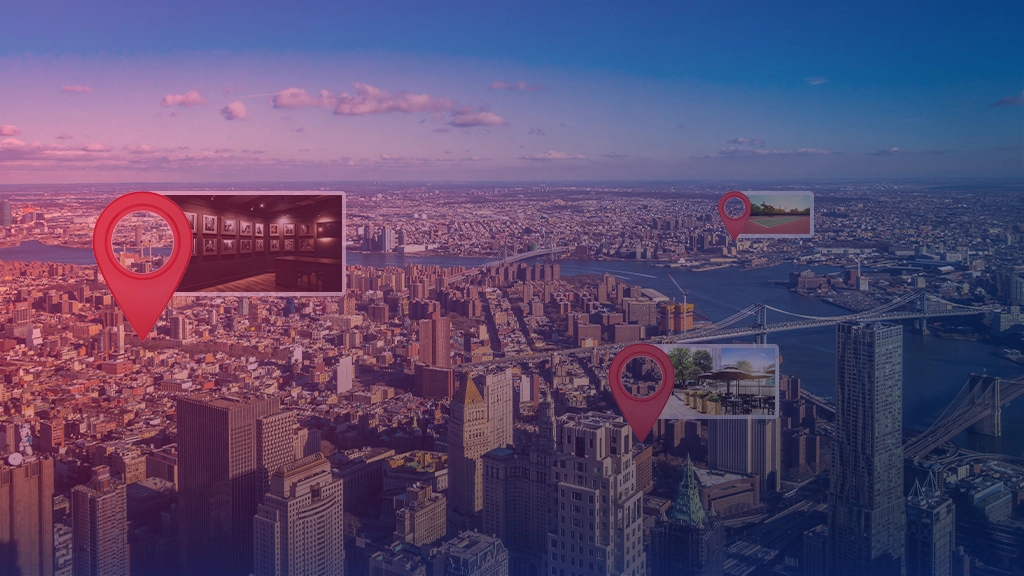
Location-based information is a crucial asset for businesses, marketers, researchers, and individuals to make data-driven decisions.
Point of Interest (POI) data, which provides information about specific locations such as landmarks, businesses, and attractions, is an invaluable resource for a wide range of applications. However, to truly harness its potential, it’s important to go beyond text-based information.
This is where extracting Google Images comes into play, offering a unique and powerful way to enrich POI data with visual context and depth.
Power of Visual Context in POI Data
Visual content has a remarkable impact on human perception and understanding. The power of the visual medium lies in its ability to transcend language and convey complex information instantaneously.
Visual context enriches our understanding, enhances communication, and fuels creativity. In a world inundated with information, a single image can encapsulate an entire story, making the concept of visual context an indispensable tool for effective communication and meaningful connection.
Incorporating Google Images into your POI data points and records can provide a holistic view of a location, helping users connect with the information on a deeper level.

1. Image identification & location context
Scraping images from Google Images can provide visual cues that help users identify a location, and understand its surroundings.
For instance, an image of a renowned monument or landmark instantly communicates the essence of a place, making it easier for users to pinpoint it on a map, or recognize it in real life.
2. Enhancing descriptions
Images can enhance the descriptive information associated with a POI.
Imagine searching for a local restaurant, and being able to see images of its ambiance, decor and dishes. These images provide a richer depiction of the establishment, enabling users to make informed decisions.
3. Categorization & classification
Scraped images can make categorizing POIs more precise.
Visual elements, such as architectural styles or store signage, can aid in distinguishing between different types of businesses within the same category, improving the granularity of data.
Related reading: Zero-in on Your Real Estate Prospects with Data
Enriching POI Data: Practical Applications
The integration of scraped Google Images into POI data unlocks a world of possibilities across various domains and industries:
1. Tourism & travel planning
For travelers seeking information about destinations, images offer a glimpse into the attractions, landscapes, and cultural experiences they can expect. Visualizing a location’s beauty and uniqueness can inspire wanderlust, and guide travel decisions.
Prospective travelers are more likely to book vacations when they know exactly what to expect.
2. Real estate & property search
In the realm of real estate, images play a pivotal role in helping potential buyers or renters visualize properties. A POI listing with interior and exterior images can provide a comprehensive view of a property’s features and layout.
These images transcend descriptions, allowing individuals to envision their life within a space and make informed decisions, bridging the gap between digital viewing and physical visits.
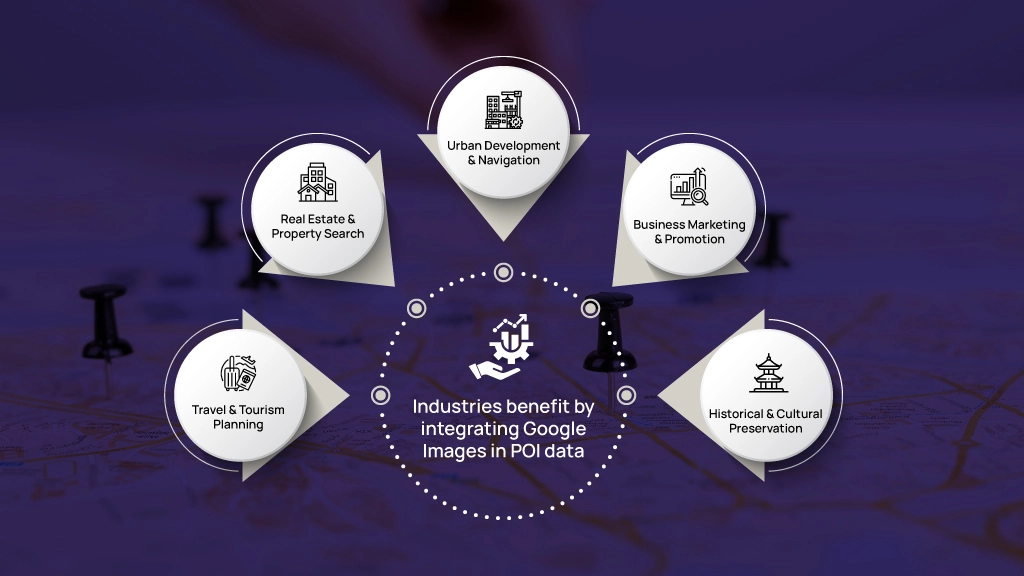
3. Urban development & navigation
Scraped images can support urban planning and navigation. Urban developers gain insights by virtually observing a location’s current state, aiding in informed decisions about enhancements.
Additionally, visual wayfinding integrates seamlessly into city exploration. As users traverse complex urban mazes, images of distinctive landmarks and pathways become a visual compass, enabling fluid navigation and immersive urban experiences.
4. Business marketing & promotion
Businesses leverage the persuasive power of images to captivate audiences, and drive engagement. From showcasing culinary delights in restaurants to capturing the allure of boutique fashion, scraped images forge emotional connections.
Customers are transported to the heart of a café, the ambience of a store, or the excitement of a live event, thus catalyzing interest and influencing their choices.
5. Historical & cultural preservation
Scraped images assume a role in safeguarding cultural heritage. Historical sites, artifacts, and traditions are vividly preserved through imagery, offering windows to the past. Museums and institutions digitize their treasures, sharing immersive narratives that transcend time. The rich tapestry of history becomes accessible, fostering a deeper appreciation for our heritage.
Related reading: Applications of POI (Point of Interest) Data in Business
Navigating challenges & considerations
While extracting Google Images can significantly enhance POI data, it’s important to approach this process thoughtfully and ethically:
1. Copyright & permissions
Respect copyright and intellectual property rights. Ensure that you have the necessary permissions to use the scraped images, especially if they are owned by individuals, businesses, or organizations. Check the terms of each source before collecting: Google’s Terms of Service, for example, prohibit using automated means to access its services in violation of the machine-readable instructions on its pages, such as robots.txt files that disallow crawling. The Robots Exclusion Protocol (RFC 9309) says robots.txt rules are not a form of access authorization.
2. Data quality & accuracy
Scraped images should align with the intended purpose of the POI data. Verify the accuracy of images to ensure they accurately represent the location and its features.
3. Data storage & management
Managing a repository of scraped images alongside POI data requires efficient data storage and retrieval systems. Organizing images and associating them with relevant POI information is vital for a seamless user experience.
Conclusion
Adding visual context to Point of Interest (POI) data can improve how people use it. Beyond text, images convey information that helps with identification and categorization. Image enrichment is worth considering for your POI dataset, provided you handle permissions and source terms first.
Visual data enrichment can support richer experiences across many applications. Respect legal and ethical considerations, including each source’s terms and the rights attached to each image.
Also read:
Related reading: Image Scraping — What is It & How is It Done?
Related reading: Web Scraping: An Unlikely Data Solution
Related reading: Five Reasons Why You Need an External Data Provider
About Grepsr
If you plan to add images to POI datasets, you need a provider who can handle collection at the scale you need, with each source reviewed against its terms.
Grepsr offers managed extraction through its Data-as-a-Service. Share your requirements and the team can scope sources, fields and delivery for you.
Related reading: What Is A POI Dataset: What to Collect and Why They Matter; Applications of POI (Point of Interest) Data in Business; The Power of Web Scraping: Enriching POI Datasets; Training Computer Vision Models with Geospatial POI Data: Leveraging Web Data for Smarter AI; How Enterprises Streamline Point of Interest Data Enrichment with Google Image Extraction; Image Scraping Guide: Tools, Techniques and Legal Basics; How to Extract Data From Images: OCR and AI Image-to-Data Extraction Explained; AI-Driven Image and Video Enrichment for Web-Scraped Data.
Frequently Asked Questions
How do images improve a POI dataset?
Images help users identify a location and its surroundings, they enrich the description with views of ambiance, decor or products, and they make categorization more precise because signage or architectural style can separate similar businesses. Together they give each record visual context beyond text fields.
What should be stored with each scraped image?
Keep the POI identifier the image belongs to, the page it came from, the date it was collected and any caption or alternative text. This lets you link images back to the right record, remove outdated pictures when a place changes, and trace a file to its origin when someone asks where it came from.
How do I check that an image matches the right place?
Compare the image against the record: does the signage, setting or listed name match the POI, and is the image from a plausible date? Spot-check a sample on every delivery. Verify that images accurately represent the location and its features before using them.
Do I need permission to use scraped images?
Respect copyright and intellectual property rights and to make sure you have the necessary permissions, especially where images are owned by individuals, businesses or organizations. Decide how each image will be used before you collect it, and confirm the permission that applies to that use.

Last reviewed: November 25, 2026.